


After completing your purchase, you will receive an email with a download link to access all the products in the Toolkit. From there, you can download the files directly to your preferred device at your convenience. This way, you can access the tools whenever you’re ready to get started!
The Wonder Designer Toolkit
Your Design Business
Has a Leak.
Here's what it's
costing you
Interior designers don't fail because of their talent. They stall because of their admin.
The Wonder Designer gives you every template, script, and system you need,
so the work you love gets more of your time.
Every client document — from first enquiry to final handover — already designed, structured, and ready to make yours.
So you can get back to the work you actually love.
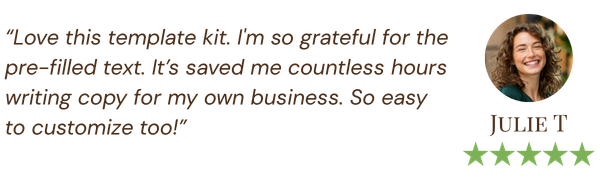
"The pre-filled text was a huge relief. I created stunning materials in minutes..." Lily T
"The pre-filled text was a huge relief. I created stunning materials in minutes..."
Lily T
The admin isn't just stealing your time.
It's stealing your identity.
You became a designer because you were creative and visionary.
Fifteen years in, you're running a logistics company that occasionally gets to pick a fabric.
The proposals rebuilt from scratch, the emails written from memory, the process explained again to every new client — none of it needs your expertise.
But it's where your hours go.
Do the maths nobody Wants to do
$46,080
THE INVISIBLE ANNUAL COST OF UNSYSTEMATISED ADMIN
Eight hours a week on low-value tasks. At $120 an hour. That's $3,840 a month you effectively worked for free, and over $46,000 a year evaporating from your business without a trace.
Your ceiling isn't your talent or your client base. It's the time you're giving away to tasks that should have been systematised months ago.
THE COMPLETE TOOLKIT · 260+ template pages
Everything your studio runs on, in one place
The Toolkit covers the full client journey — from the first enquiry to the final handover. Every document is the version you wish you'd had years ago: structured, professional, and ready to make yours.
WIN THE CLIENT
The Client Questionnaire and Fee Proposal do the heavy lifting before you've lifted a finger. Turn up to the first conversation with a structure that makes you look like the obvious choice.
SET THE TERMS
The Service Contract and Investment Guide make the awkward money conversation simple. Clear scope, clear payment terms, clear boundaries — so the relationship starts on solid ground.
ONBOARD WITH CONFIDENCE
The Client Welcome Guide and Project Presentation make a new client feel your professionalism immediately. Fewer confused questions. More trust, sooner.
*PRO TIP: Add the Mood Board Kit and be unstoppable!
Run the project
The Project Tracker and FF&E Schedule keep every deadline, budget line, and decision in one place — so nothing slips and you're never caught on the back foot.
Hand over and stay remembered
The Client Handover and Social Media Kit close the project properly and keep you visible afterwards — turning one finished room into the next referral.
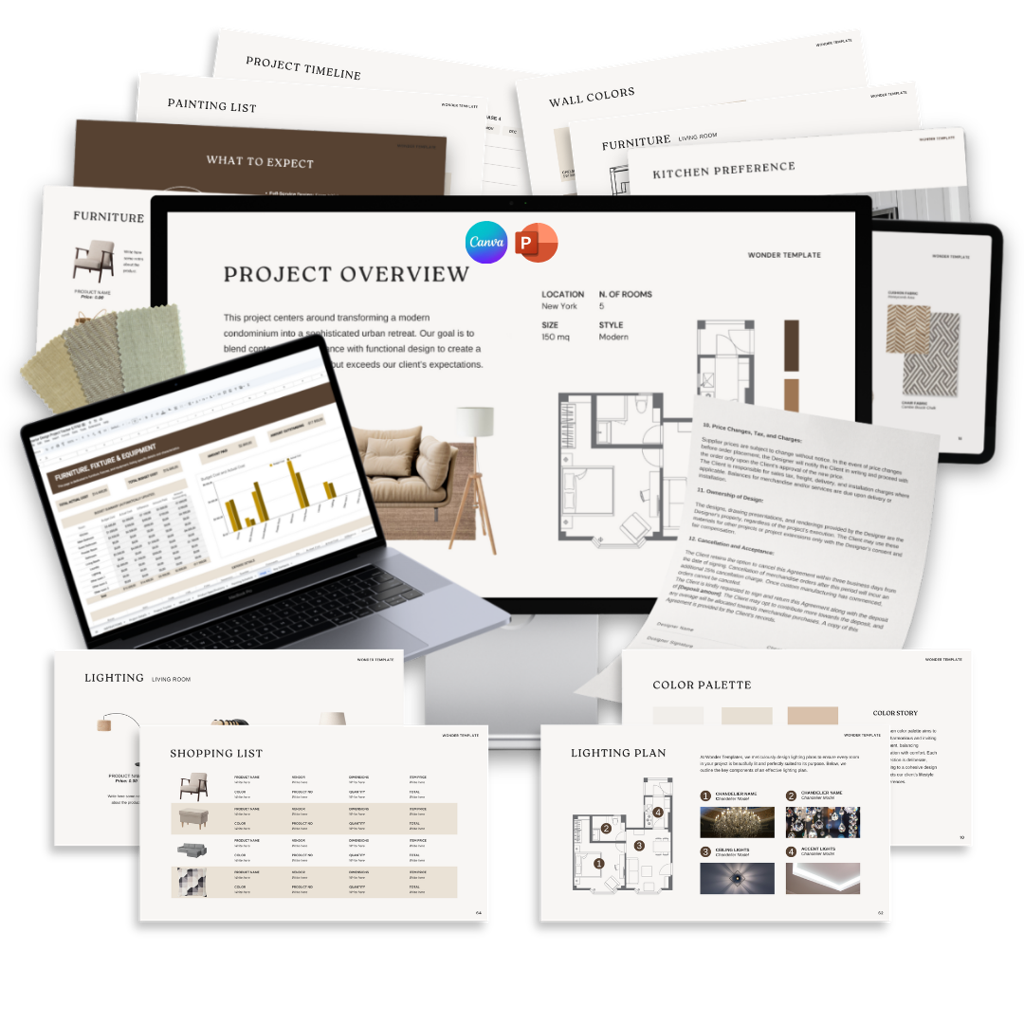

Fully editable in Canva or PowerPoint
Available in English or French
Hundreds of Proven,
Top-Performing Templates
Don’t reinvent the wheel, tap into resources that have already delivered
results for over 6000 other interior designers worldwide.
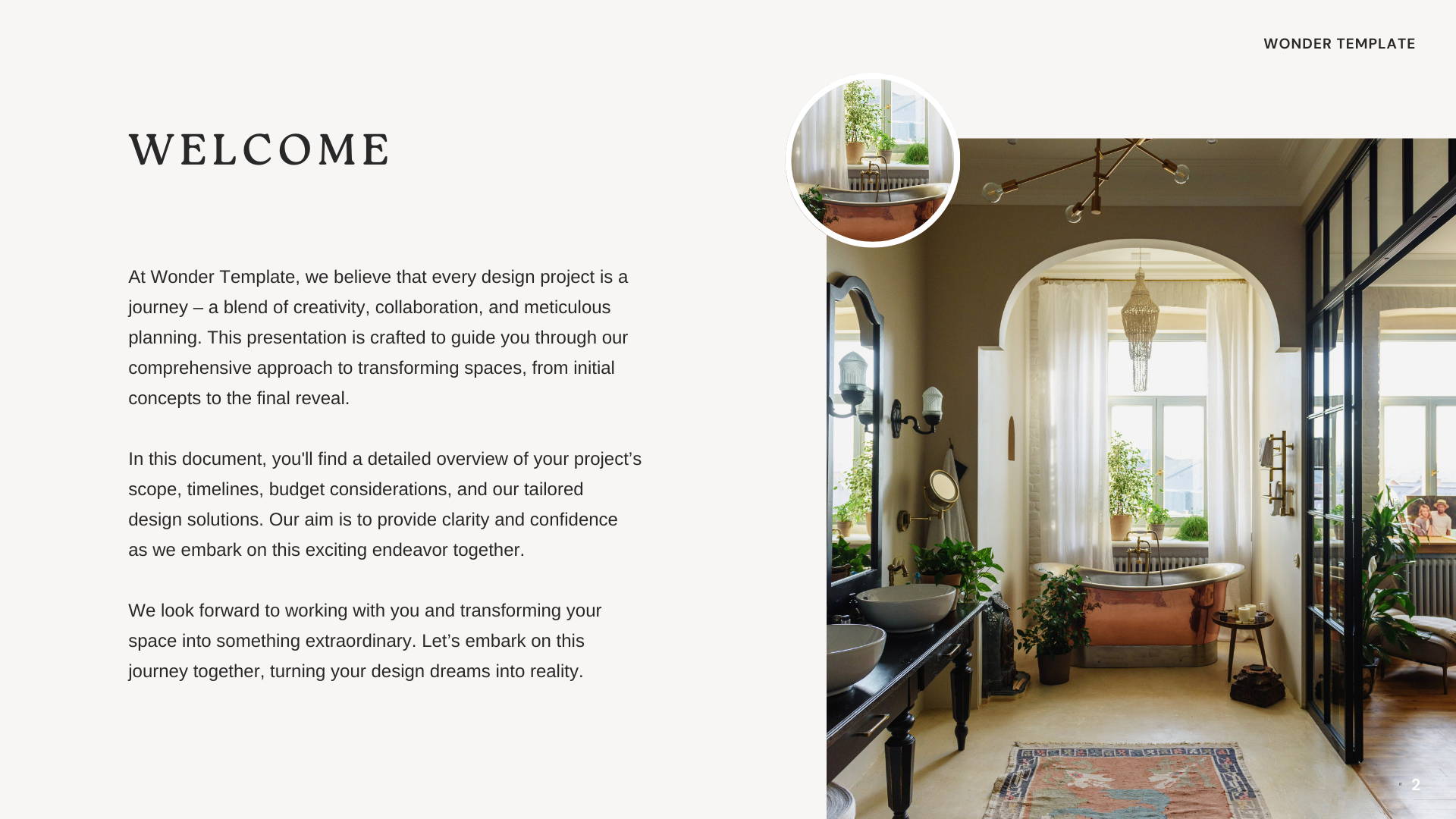
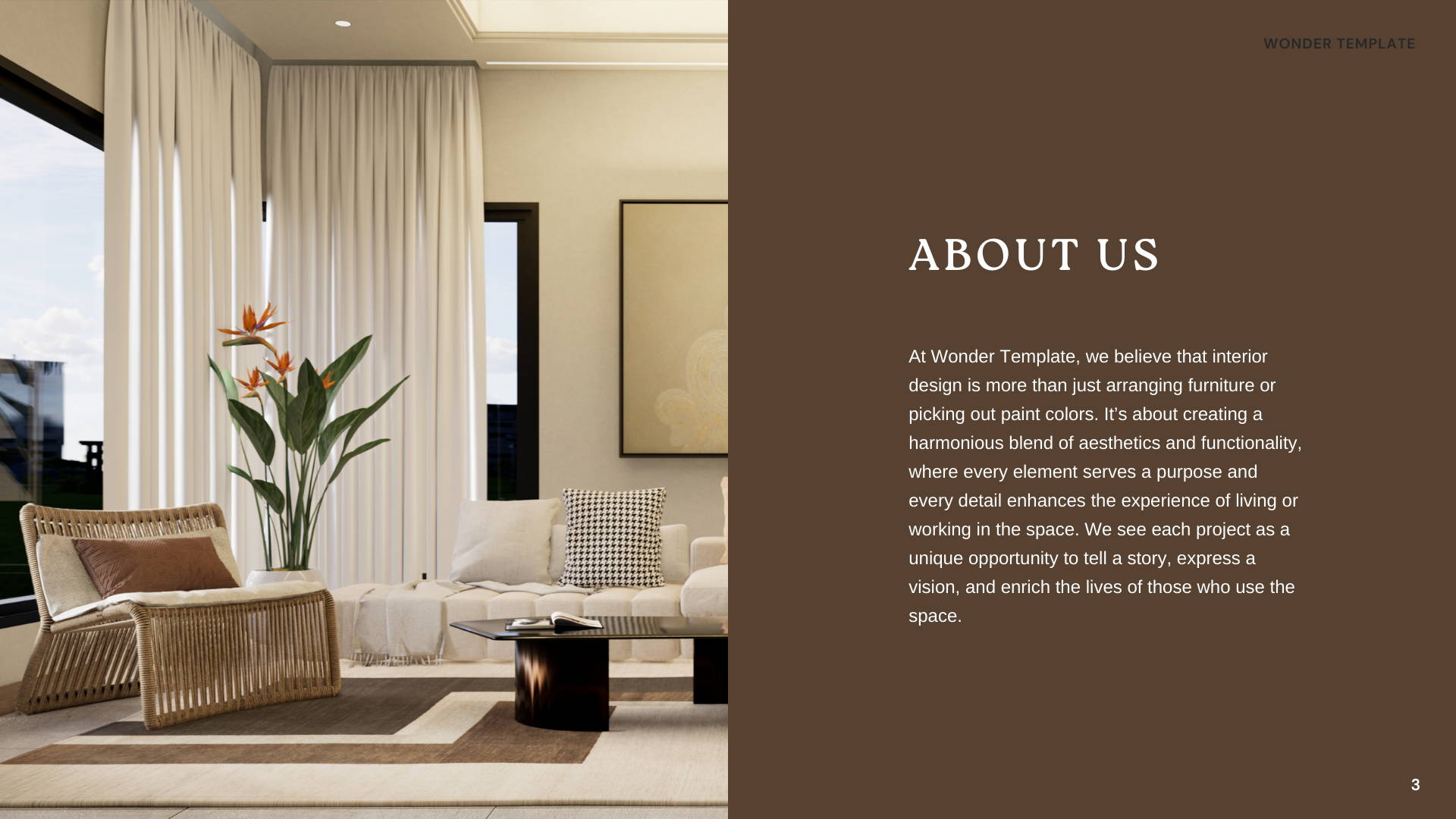

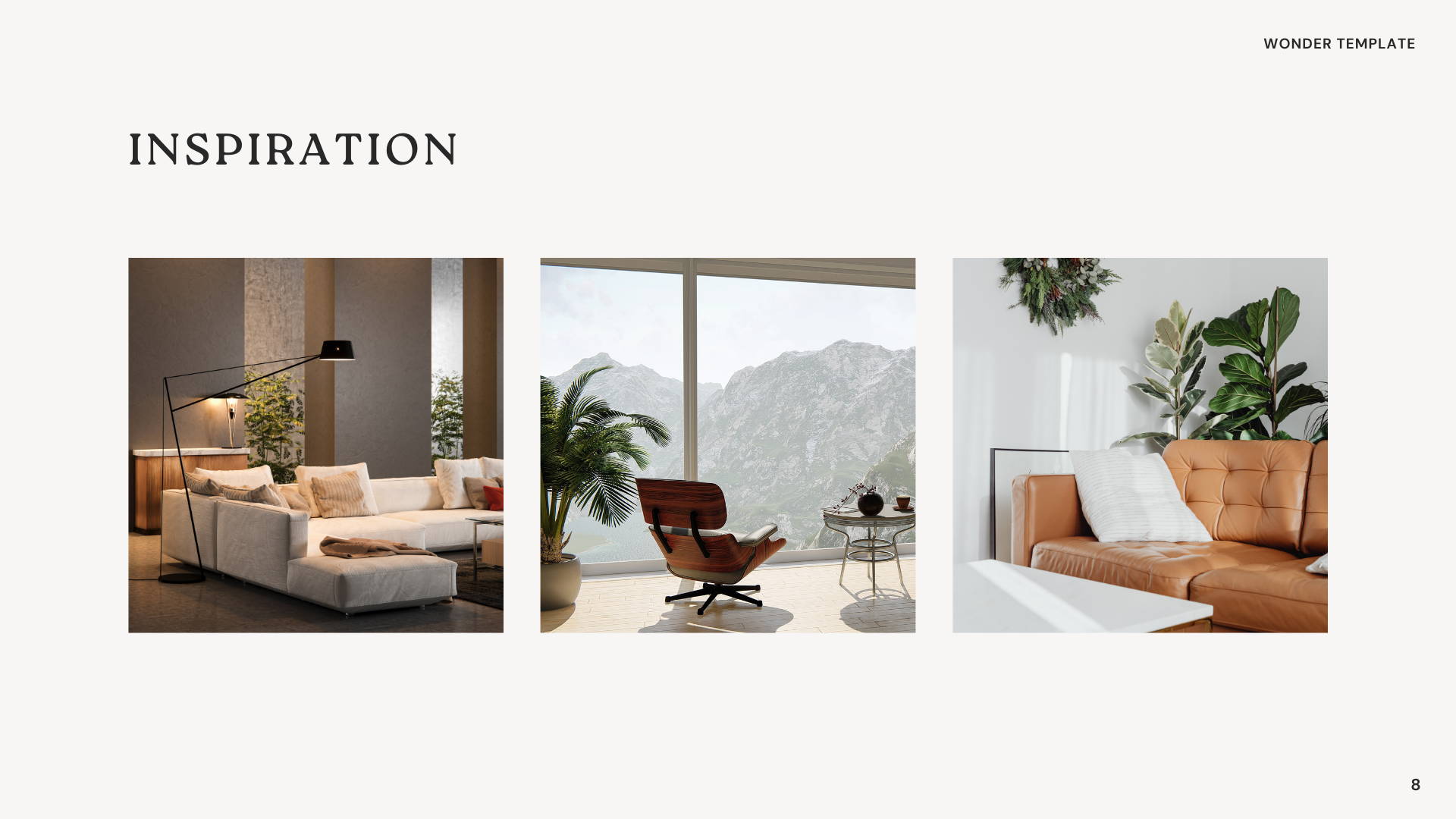
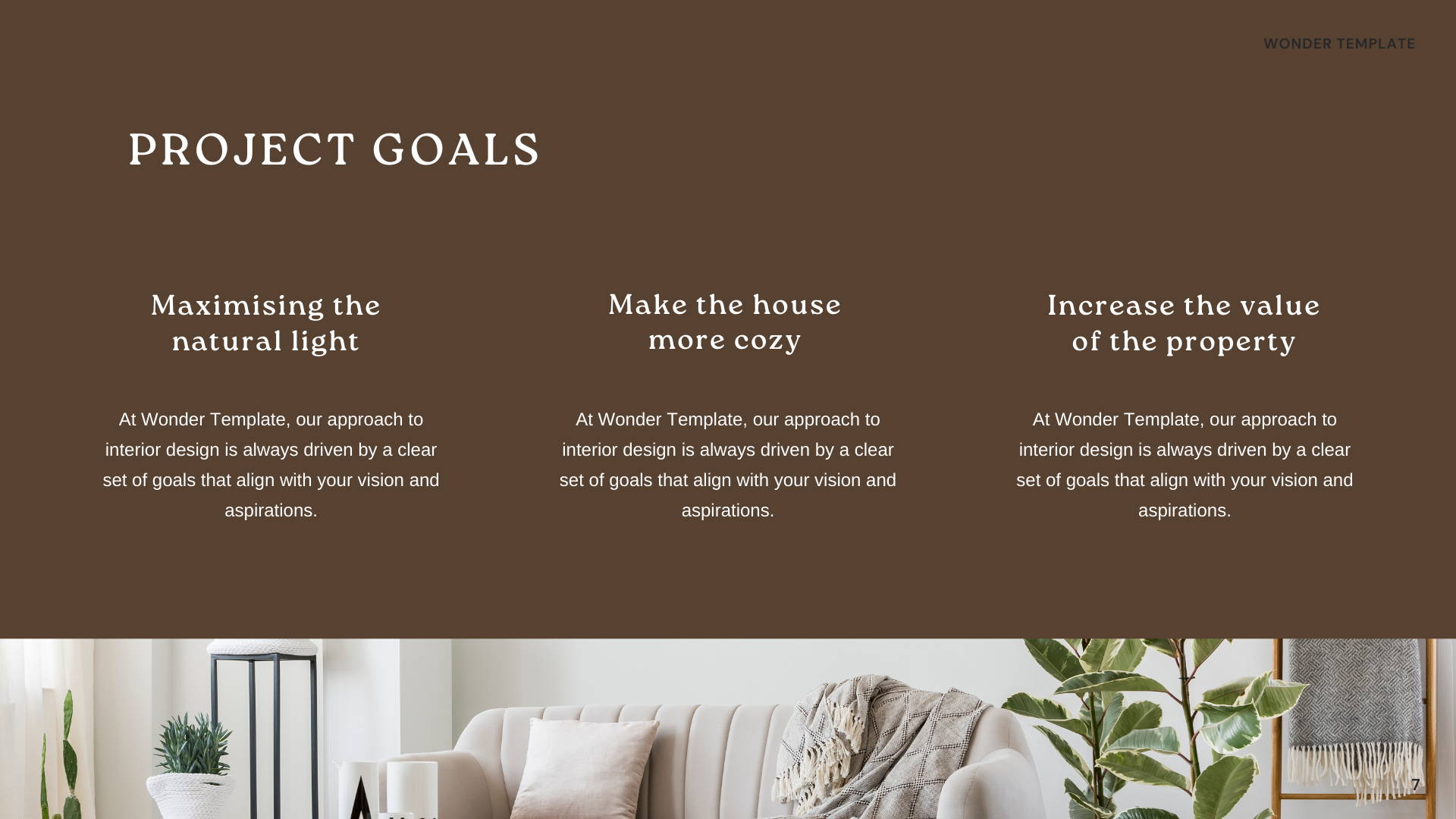
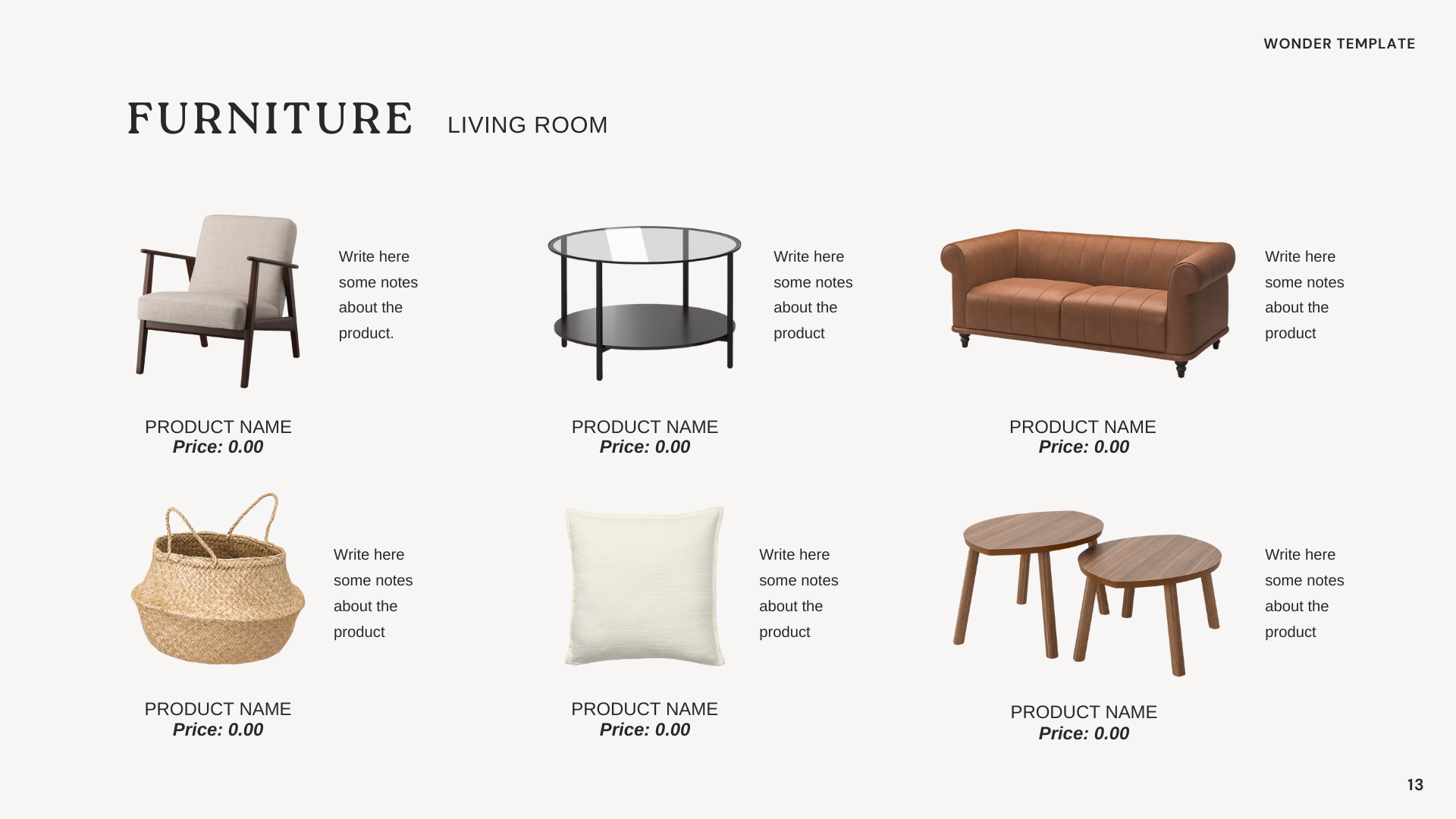
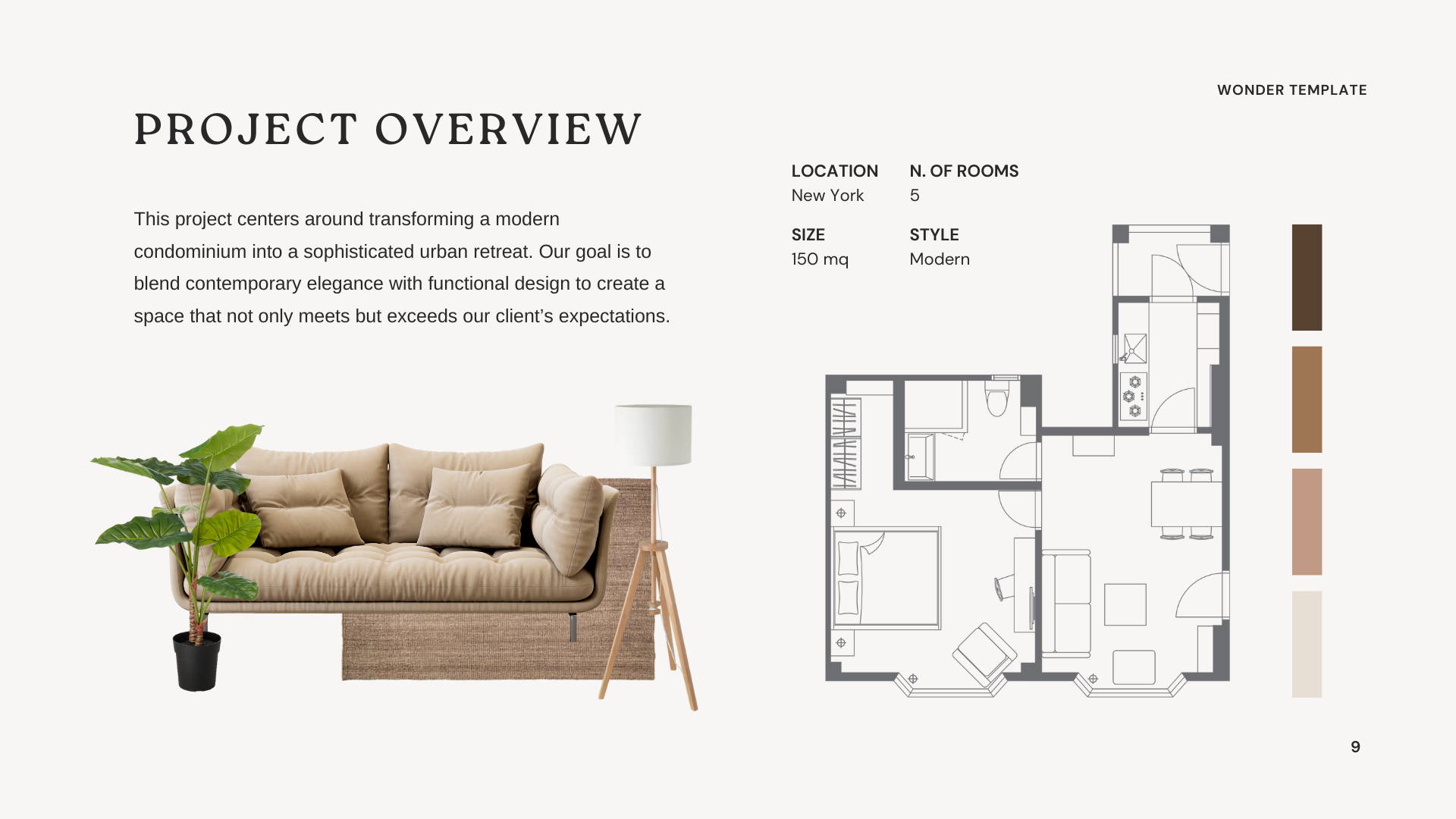
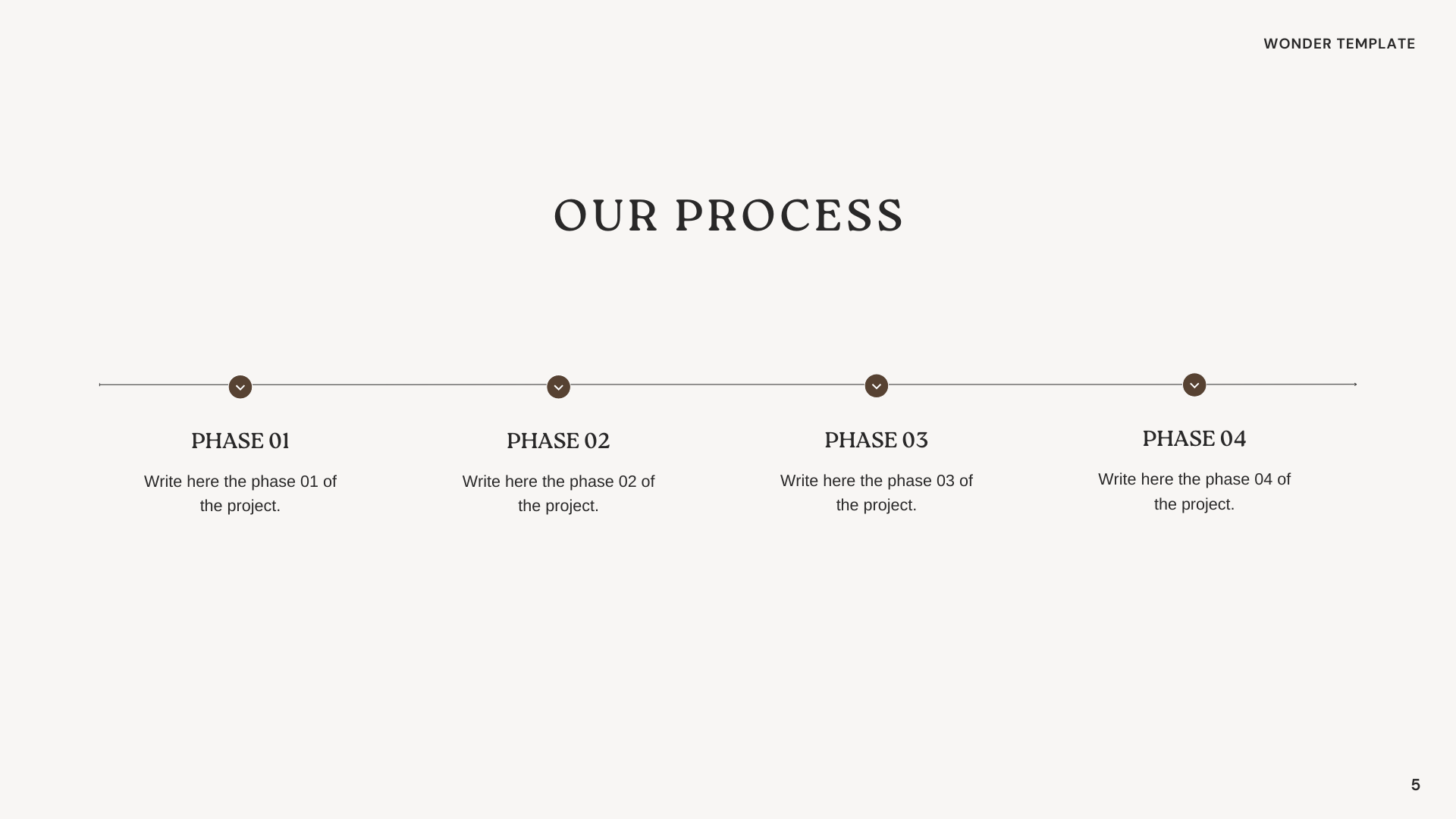
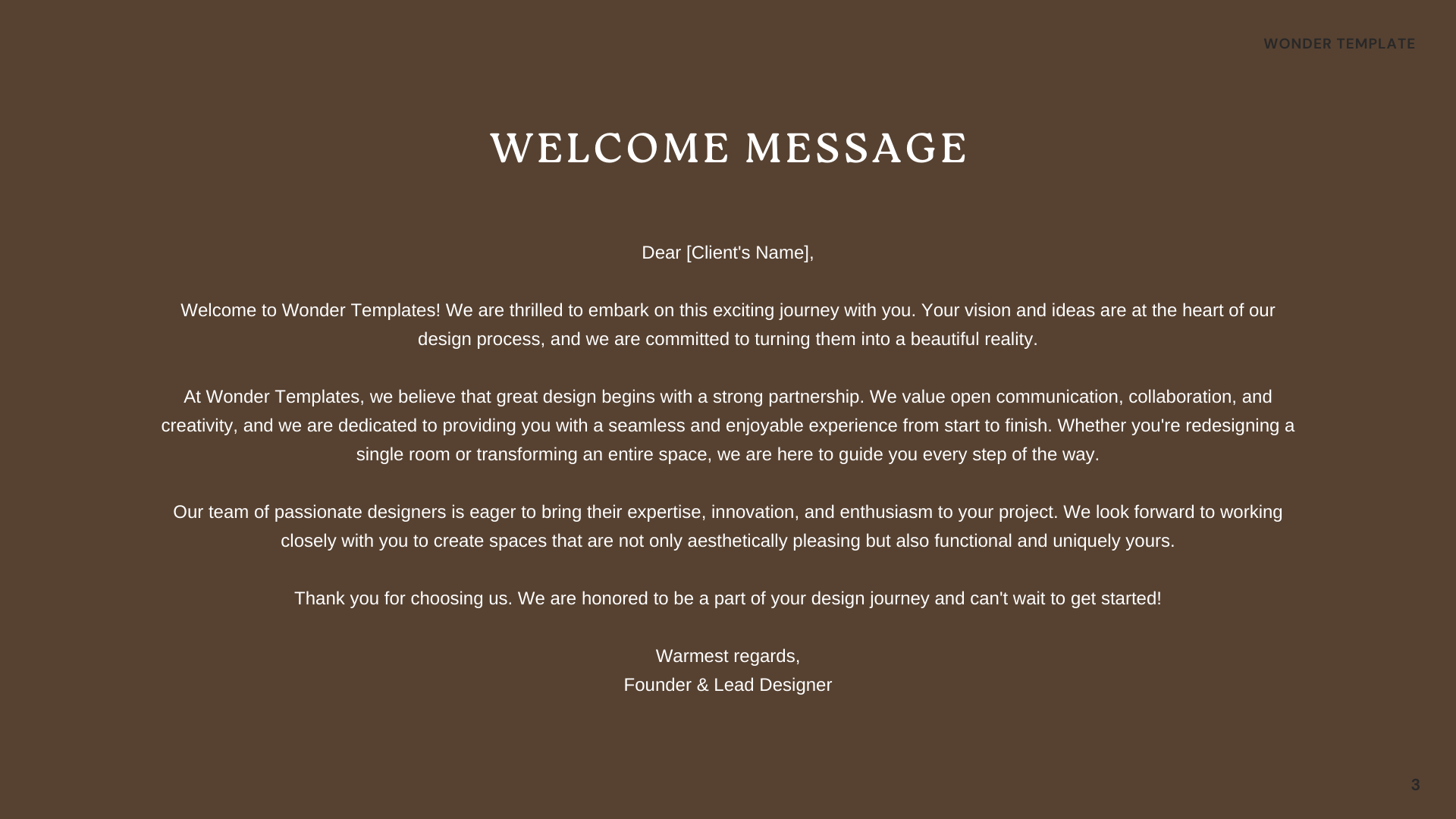
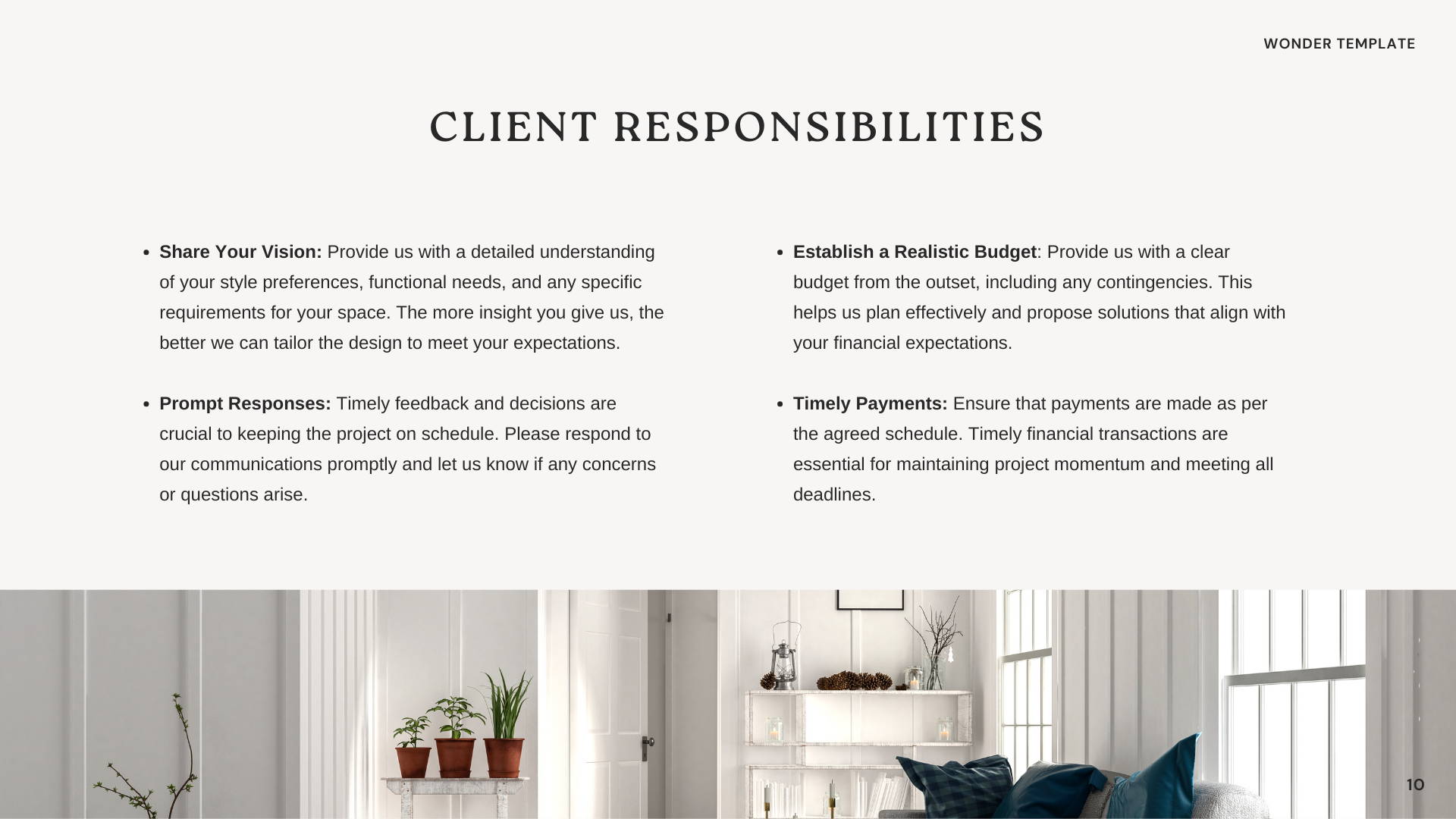
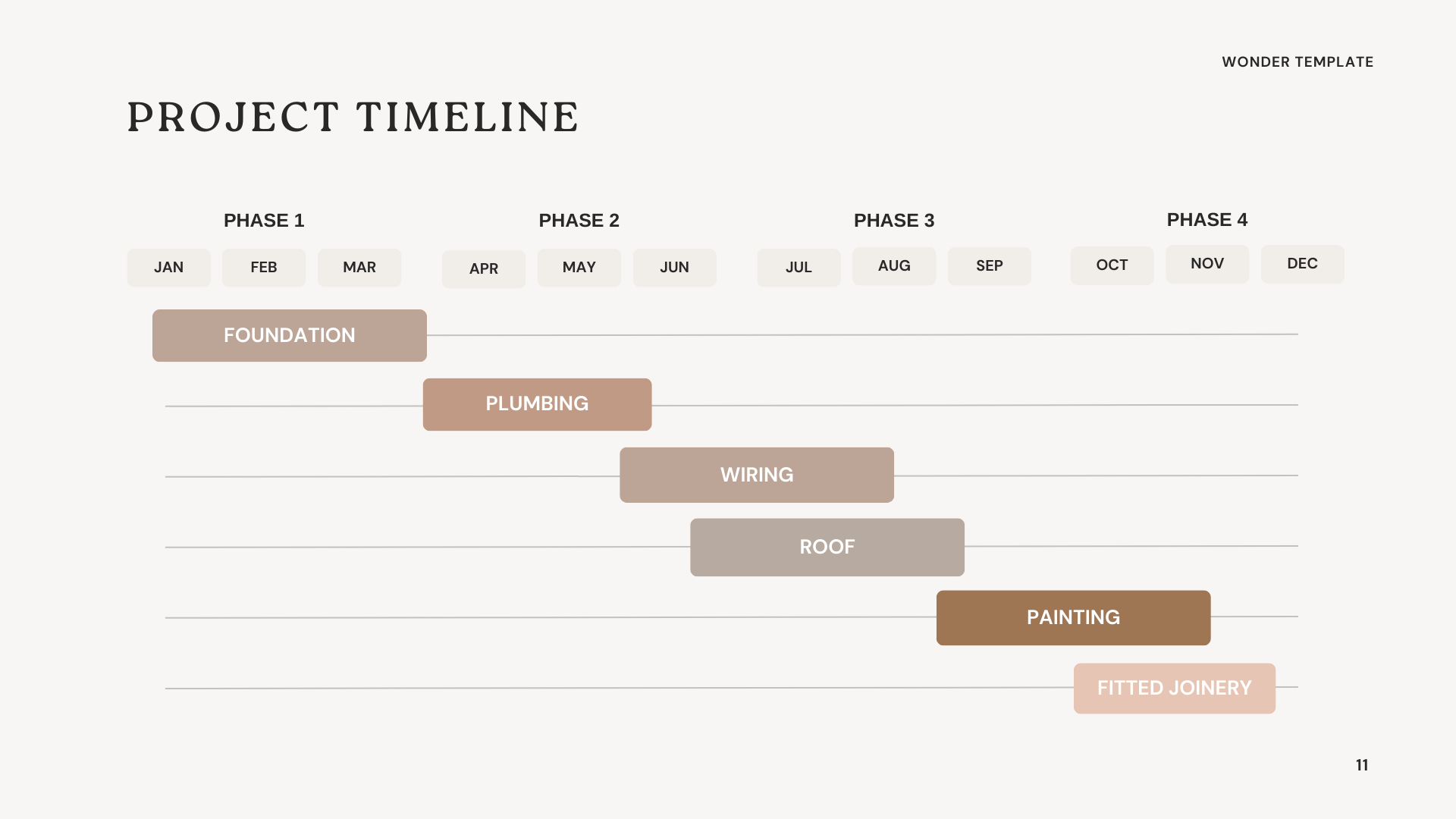
Creating proposals With Our Products has never been easier.
It's As easy as one, two, three...
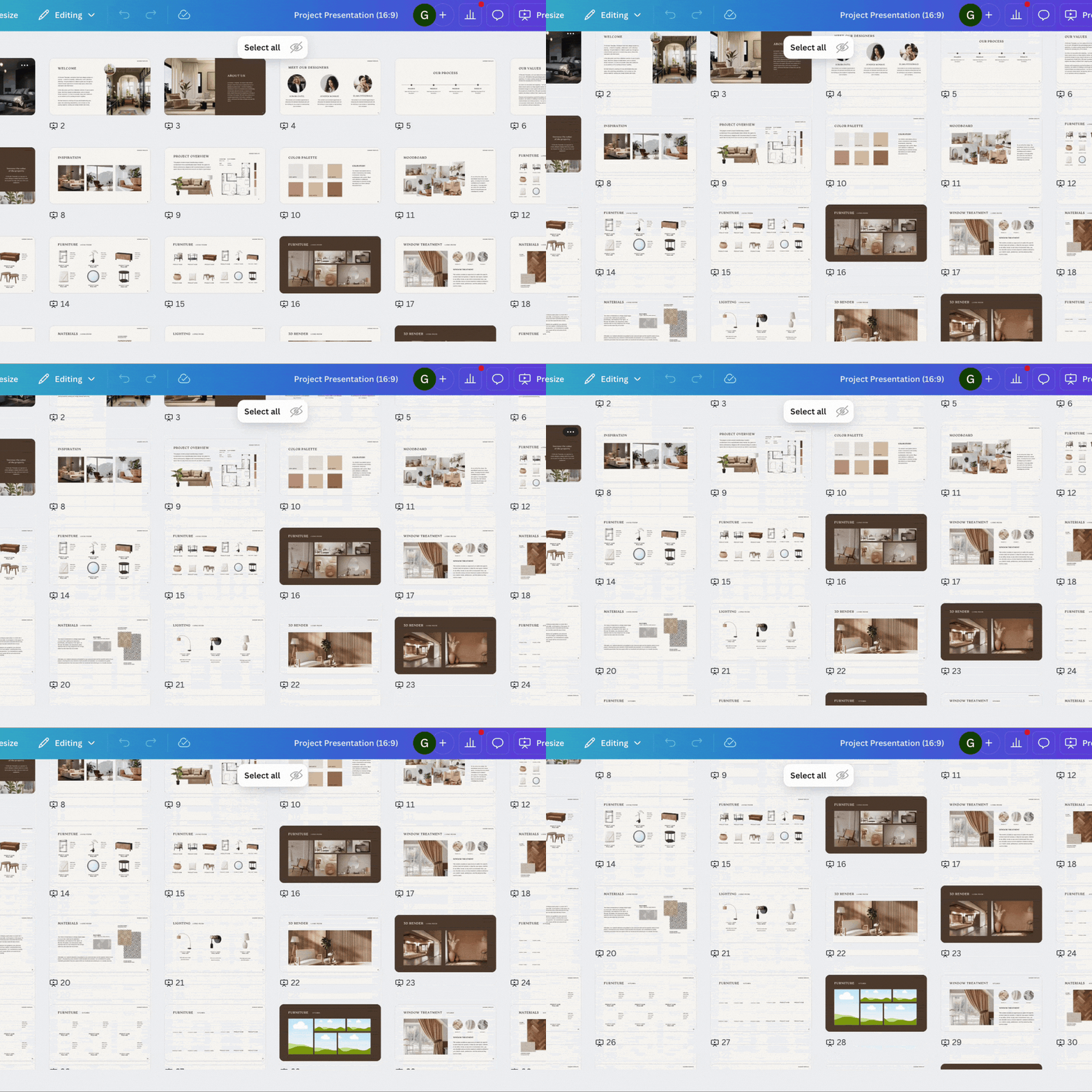
Step 1
Pick a Product
Choose from 420+ fully
customizable templates in either
Canva (Free Version)
or PowerPoint

Step 2
Customize in Seconds
Quickly edit your template
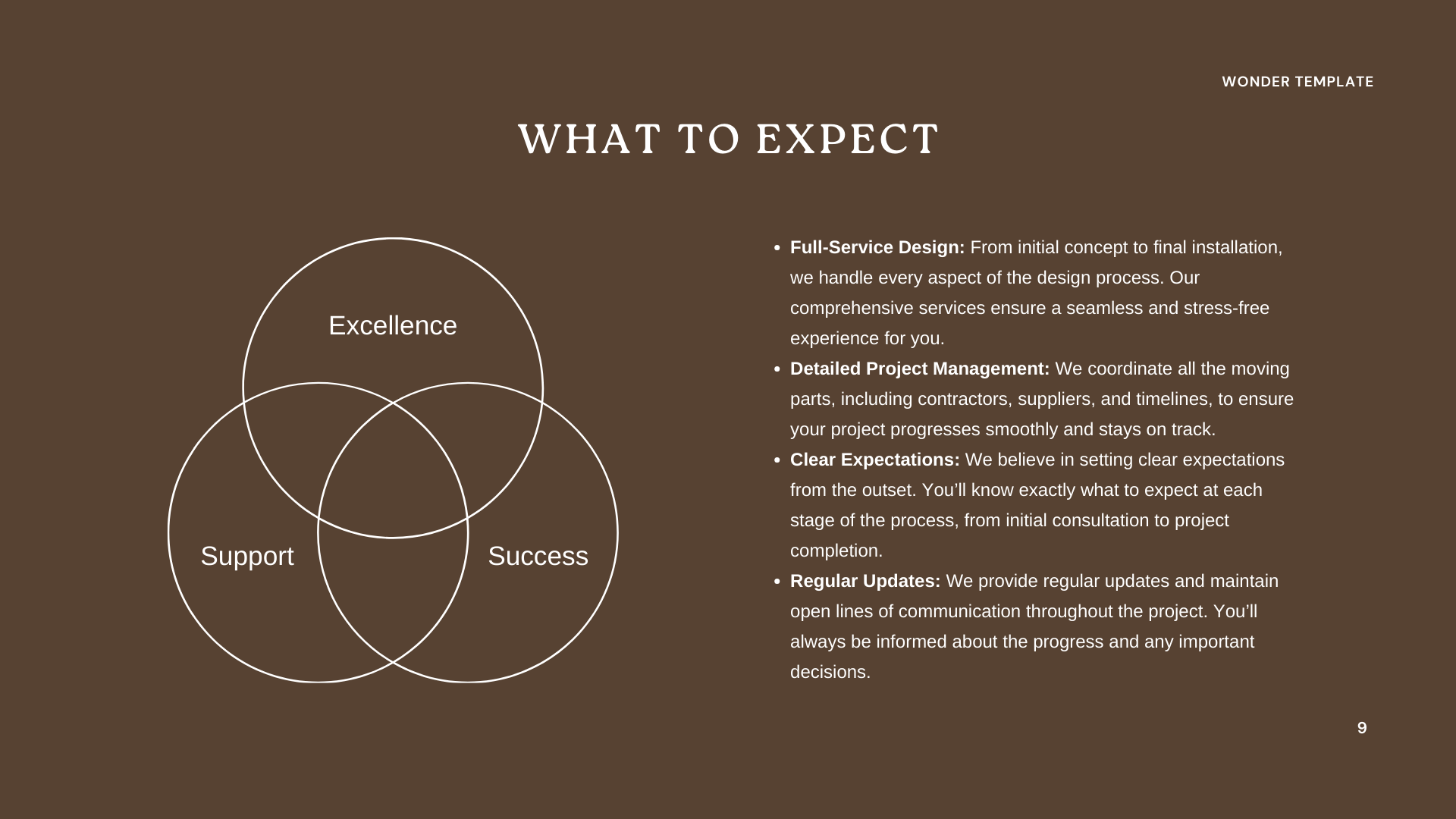
All the text is already done for you,
just add your logo, drag in some of your project photos, and you're done in minutes.

Step 3
Send to Client
Print or download and send it to the client.
Job done!
One-time payment · Free lifetime updates
Choose your pack
BASIC PACK
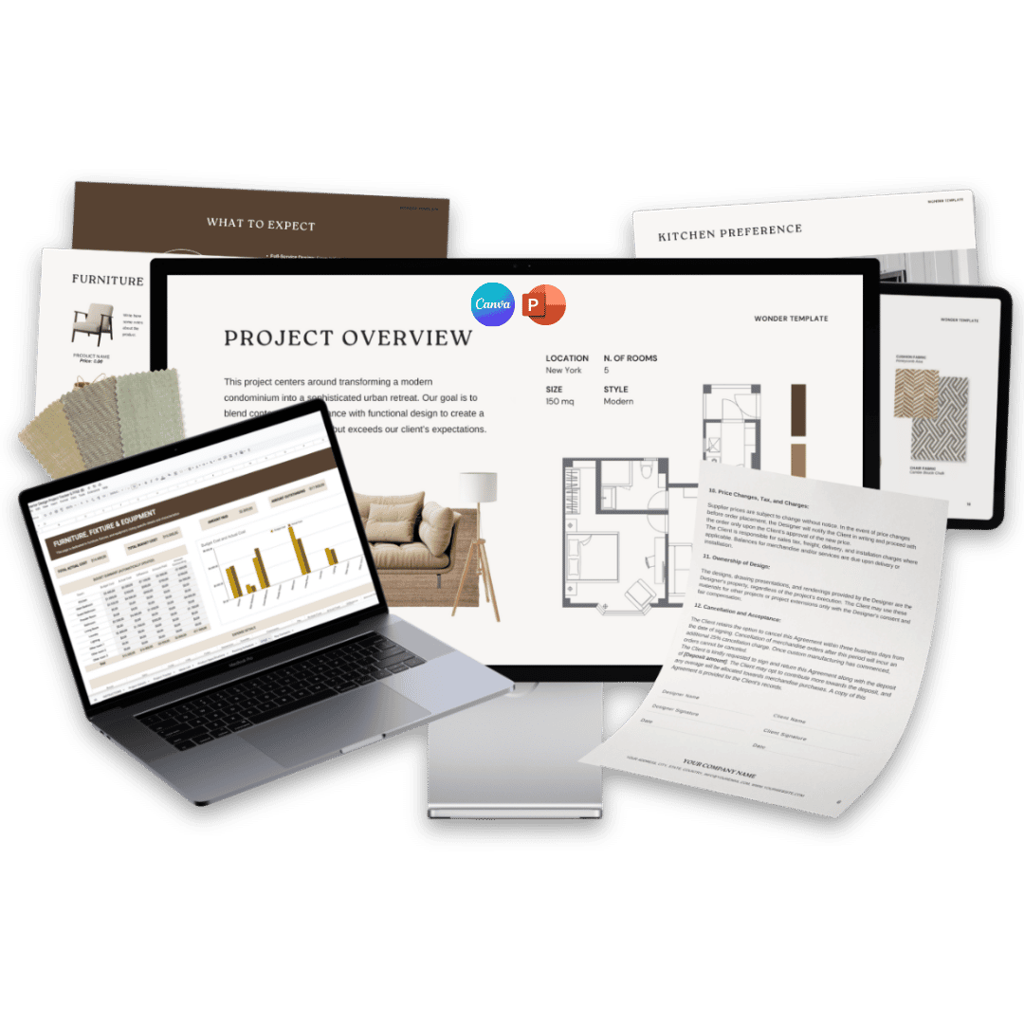
Client Questionnaire
Fee Proposal
Client Welcome Guide
Project Presentation
+ FREE BONUS
Video tutorial on how to
customise templates

COMPLETE PACK
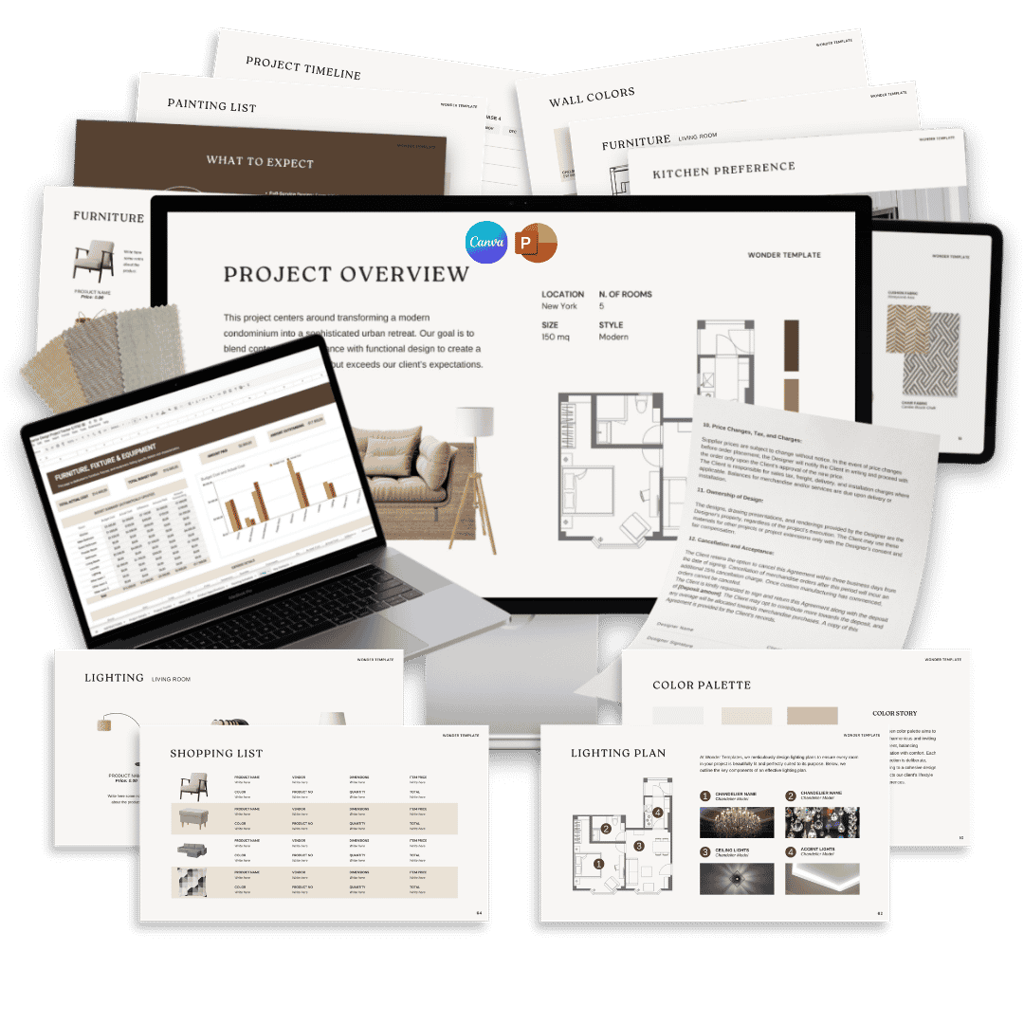
Client Questionnaire
Fee Proposal
Client Welcome Guide
Project Presentation
Service Contract
Project Tracker & FF&E
Client Handover
Social Media Kit
Investment Guide
+ FREE BONUSES
Video tutorial on how to
customise templates
First Consultation Script
THEIR OUTCOME
Over 6000 Satisfied designers worldwide
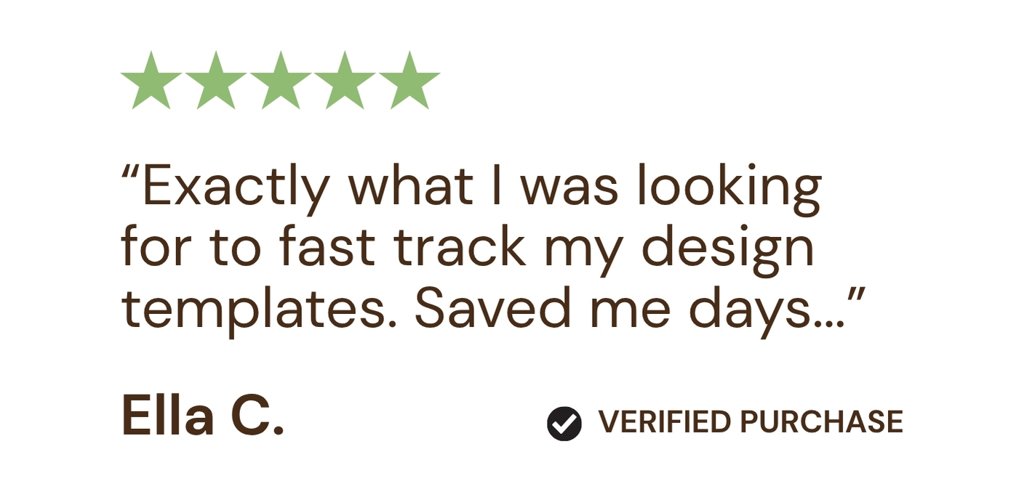
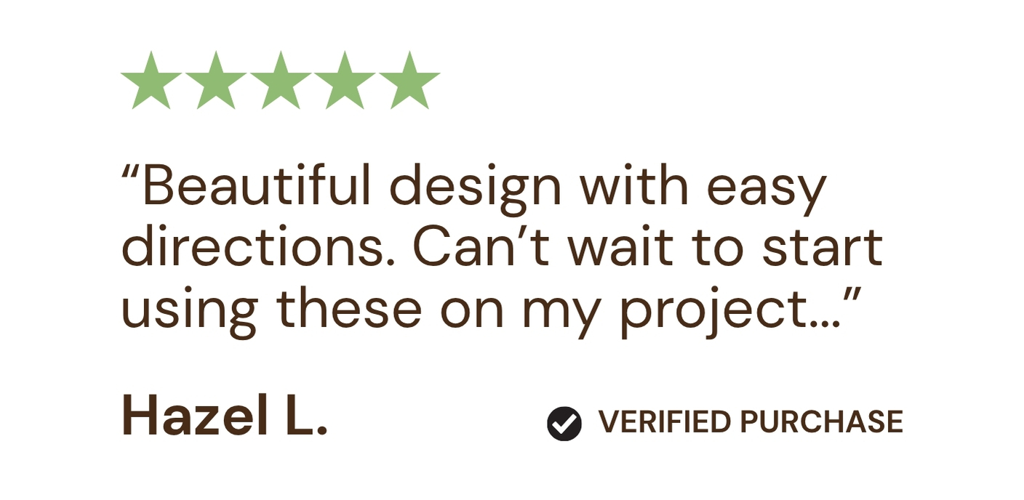
Hear from a selection of our most valued customers...

YOUR OUTCOME
Onboard your next client in an afternoon. Not a week.
When your onboarding is a system, new clients feel your professionalism immediately. They ask fewer confused questions. They respect your boundaries. They refer you more confidently.
A systematised design business doesn't feel less personal. It feels more professional — and professional is what clients pay premium rates for.
One-time payment · Free lifetime updates · Instant Delivery Via Email



Save 10 Hours on Your Next Project
or your money back!
Your success is our priority.
We believe in the power of our done-for-you tools to transform your workflow. That’s why we offer a simple promise: if our Complete Toolkit doesn’t save you 10 hours on your next project, you get your money back.
Loved By Designers
Made by Interior Designers,
for Interior Designers
Hi, I’m Lauren and I was inspired by the countless designers we’ve met, worked with, and learned from over the years; all of whom wish for a better work/life balance — I know the challenges, triumphs, and everyday realities that interior designers face. Through a mix of experiences from both freelance and studio-based designers, I’ve come to understand what it’s like to juggle client meetings, project timelines, and the endless administrative tasks that come with starting and running a successful design business. There just aren’t enough hours in the day!
Across countless projects — from intimate home interiors to ambitious commercial spaces — one thing is clear: designers want to spend more time creating and less time buried in contracts, proposals, and presentations. Sound familiar?

This toolkit grew out of those shared experiences, combining practical solutions and workflows that have helped designers streamline their business, convert more clients and reclaim their time.
That’s why, together with a team of design professionals, we created The Wonder Designer. These resources are built to help designers like you stay organized, look professional, work efficiently, and focus on the creative work they love — just like the designers who inspired me.
I’m thrilled to share them with you, so you can enjoy the freedom and focus that comes from working smarter, not harder.
One-time payment · Free lifetime updates · Instant Delivery Via Email
Questions?
We've Got Answers!
How do I access my products?
What software do I need to edit the templates?
You can choose to edit any of the templates in The Wonder Designer Toolkit using either Canva, PowerPoint or Google Sheets depending on your preference. We provide the templates in both formats, so you have the flexibility to use whichever platform you’re most comfortable with. The free version of Canva is more than sufficient and offers an intuitive drag-and-drop interface, while PowerPoint is perfect for those who prefer working in a traditional presentation format.
Is the Toolkit suitable for both new and experienced interior designers?
Absolutely! The Wonder Designer Toolkit as well as our single products, such as The Portfolio Template and Moodboard Kit, are designed to benefit both new and experienced interior designers. For those just starting out, it provides all the essential tools to launch and organize your business with confidence. For seasoned designers, it streamlines administrative tasks, saving valuable time so you can focus on creativity and growing your business.
How long will it take to see results after implementing the Toolkit?
You can start seeing results immediately after implementing The Wonder Designer Toolkit. The tools are designed to streamline your workflow from day one, helping you save time on administrative tasks and stay organized. Most designers notice significant improvements in efficiency and time savings within their first project.
Single products such as The Portfolio Template or Moodboard Kit allow your studio to look professional from day one. Simply drop in your logo, project photos, reference visuals and furniture inspiration and these presentations quickly become repeatable assets to promote your business. All the text is pre-filled so you dont need to start from scratch. You can of course customise this is you wish.
Are updates included with purchase?
Yes, all updates to the Toolkit are included with your purchase, free of charge, for life. We continuously improve and expand our products to ensure they remain up-to-date with the latest industry standards and best practices. These updates are automatically made available to you at no additional cost, ensuring you always have access to the most current tools and resources.
What can I customize?
With all Wonder Designer Toolkits, you have the flexibility to customize almost everything to fit your brand and project needs. You can easily change colors, fonts, text, images, and layouts in both Canva and PowerPoint to align with your personal style or branding. Whether you want to add your logo, tweak the design, or adjust the content to better suit your clients, every element is fully editable. This allows you to make the templates truly your own while saving valuable time.
I have never used Canva, so how do I edit templates?
No worries! If you're new to Canva, we've got you covered. As a bonus with The Wonder Designer Toolkit, you'll receive access to easy-to-follow video tutorials that guide you through the process of editing your templates in Canva. These step-by-step tutorials will help you understand how to customize your designs, change text, colors, images, and more—so you can get up and running in no time, even if you're a complete beginner! Note: the video tutorials are not issued with Single Products, however tutorials are readily abvailable directly on Canva.
Do I need a subscription?
No, you don’t need any paid subscriptions to use The Wonder Designer Toolkits. The templates are fully editable using the free version of Canva and PowerPoint, both of which are accessible without a subscription. This means you can customize your templates without any additional costs or commitments. Immediately download your templates upon purchase and they're yours for life!
Can I share access with my team?
Yes! The templates are made to be collaborative so you and your team can work together in real time.
Are the images and texts included?
Yes, the text is included to help you get started quickly and guide your communication. However, the images are not included (due to licensing restrictions in certain regions), allowing you to add your own visuals that match your brand and project needs. However, we provide a helpful guide with resources on where to find high-quality, copyright-free images that you can use in your projects. You’ll be able to easily drag and drop images into the pre-designed placeholders and customize the templates to fit your brand and style.
What kind of support do I get after purchasing the Toolkit?
After purchasing The Wonder Designer products, you’ll have access to comprehensive support to help you make the most of your tools. This includes detailed video tutorials that walk you through customizing the templates, as well as a dedicated support team ready to answer any questions you have. Whether you need technical assistance or guidance on how to implement the tools effectively, we’re here to help ensure you get the best results from your Toolkit. Simply reach out to us via email, and we’ll be happy to assist you!
What should I do if I have problems downloading or using the product?
If you experience any issues with downloading or using The Wonder Designer Toolkit, we’re here to help! Simply reach out to our support team via email at help@thewonderdesigner.com, and we’ll assist you in resolving the issue as quickly as possible. Whether it's a technical issue or questions about how to use the templates, we’re committed to ensuring you have a smooth and successful experience with the Toolkit.
Risk-Free Access
Instant Delivery Via Email
Client Questionnaire

Fee Proposal

Client Welcome Guide

Project Presentation

and many others...
Project Presentation
and many others...
Client Questionnaire
Fee Proposal
Client Welcome Guide
Project Presentation
Service Contract

Project Tracker & FF&E

Client Handover

Social Media Kit

Investment Guide
